
Nonprofit Technology Roadmap
The Minimum Viable Board Packet: A Technology Roadmap Summary That Drives Decisions
A board-ready nonprofit board packet is not a long document or a polished presentation. It is a short, decision-ready summary that makes the outcomes, priorities, rough cost, risks, and approvals clear enough to discuss in one meeting.
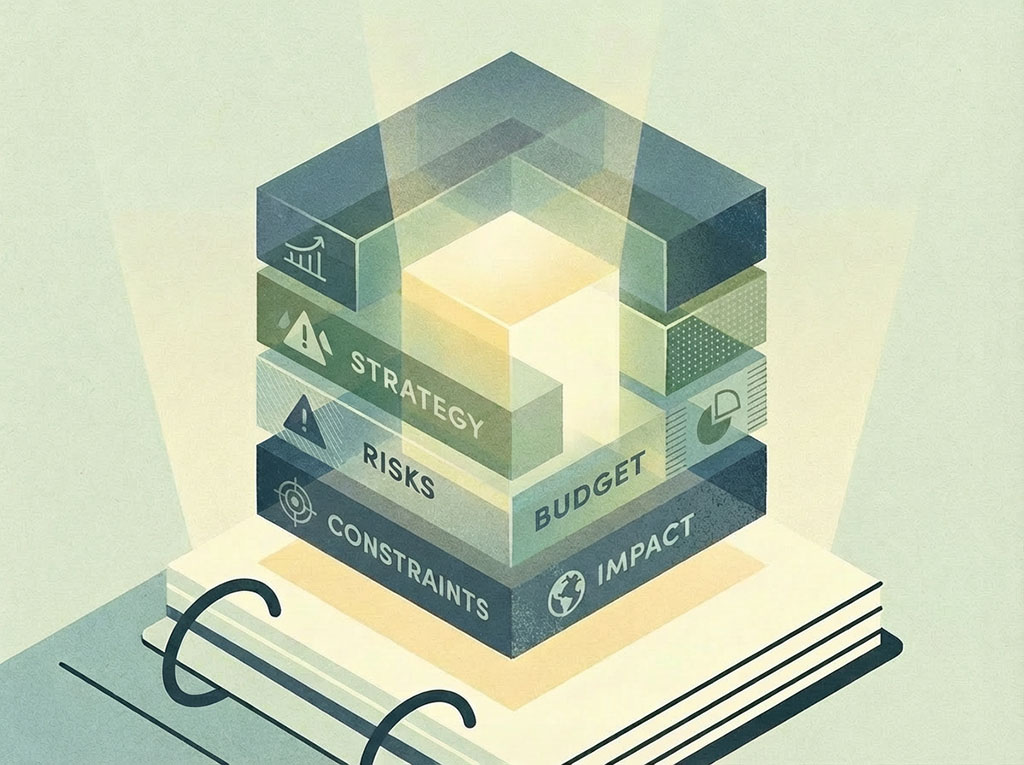
Most boards stall because the decision in front of them is bigger and fuzzier than it looks.
A team brings a long packet. The board debates tools. Someone asks for one more demo. The meeting ends without a decision.
Two months later, the same technology roadmap project comes back with more urgency and less clarity.
A board-ready nonprofit board packet should help a group answer five things quickly:
- Are we aligned on the outcomes?
- Are we prioritizing the right work in the right order?
- What does this roughly cost?
- What constraints or risks matter most?
- What decisions do you need from us?
If your nonprofit board packet cannot support a clear decision in one meeting, it is not board-ready yet.
"A board packet should not make the work sound bigger. It should make the decision clearer."
There are two clean ways to present a nonprofit technology roadmap to a board.
Option A: Board Snapshot
This is the fastest way to create alignment.
It turns your technology roadmap into a short, board-readable summary focused on outcomes, priorities, rough budget, key constraints, and decisions needed.
Option B: Board Snapshot Presentation
This is the presentation version of the same summary.
It is not a glossy strategy deck.
It is a short talking-points format built to support discussion.
The format can vary.
The content should not.
Inside the Nonprofit Technology Roadmap Toolkit, you get both:
- 18-Month Roadmap Builder: Prioritization, Timeline, Capacity, and Board Snapshot in One Place (v1.0)
- Technology Roadmap: Board Snapshot Presentation (v1.0)
Lead With the Outcomes the Technology Roadmap Is Meant to Improve
Start with 3 to 5 outcomes in plain English.
This keeps the conversation focused on what needs to improve, not which tool someone likes best.
Examples:
- Reduce reactive technology decision-making
- Improve data reliability for reporting and planning
- Reduce operational risk tied to renewals and disconnected systems
Choose outcomes leadership and the board will care about: mission delivery, operational efficiency, fundraising, reporting, risk, or staff capacity.
If an outcome is actually a tool, rewrite it as the result you need.
Next, summarize the top initiatives in your nonprofit technology roadmap by horizon.
Keep the wording short and clear. This is a summary, not the full roadmap.
A simple structure looks like this:
0 to 90 days
- Build a centralized renewal calendar
- Assign renewal owners for major systems
3 to 6 months
- Improve a high-friction integration or import workflow
- Define the primary system of record for client history
6 to 18 months
- Add later-phase initiatives here
The goal is not to list everything.
The goal is to show sequence.
Boards do not need perfect estimates.
They need enough cost visibility to understand the scale of the work and the trade-offs involved.
Use ranges, not false precision.
For example:
| Horizon | Estimated Cost | Notes |
|---|---|---|
| 0 to 90 days | Staff time only | Planning, ownership, and coordination work |
| 3 to 6 months | $5k to $20k | Depends on workflow complexity and outside support |
| 6 to 18 months | To be determined | Depends on later-phase priorities |
The point is to make cost visible early enough to support better decisions.
Do not bury the hard parts.
List the main constraints, risks, or assumptions that affect timing, cost, or execution.
Examples:
- Staff capacity is limited
- Some work depends on vendor responsiveness
- Data quality may slow implementation
- Leadership decisions may be needed before some work can begin
Focus on the few items leadership or the board should understand before discussing or approving the roadmap.
Be explicit about what you want approved.
Do not end with vague discussion prompts.
List 1 to 3 decisions needed to keep the roadmap moving.
Examples:
- Confirm ownership of renewal oversight
- Approve outside support for workflow integration cleanup, if needed
- Confirm the primary system of record for client history
That is what makes the packet decision-ready.
The goal is not to restate every nonprofit technology roadmap detail.
The goal is to make the roadmap easy to review, discuss, and act on.
If the packet is too long to scan, it is probably carrying detail that belongs somewhere else.
A strong board packet highlights:
- The outcomes this technology roadmap is intended to improve
- The top initiatives by horizon
- A rough budget view
- The main constraints and risks
- The decisions needed to keep the roadmap moving
That is enough for a productive board conversation.
Next Step
Build Your Board Packet as Part of Your Full Nonprofit Technology Roadmap
This nonprofit board packet template is part of the Nonprofit Technology Roadmap Toolkit, the complete system for building a realistic, board-readable roadmap your team can actually execute.
The toolkit includes:
- 18-Month Roadmap Builder: Prioritization, timeline, capacity planning, and board snapshot in one spreadsheet
- Technology Roadmap: Board Snapshot Presentation: A talking-points format ready to take to the board
- Roadmap Planning Guide: Step-by-step instructions for scoping work, phasing delivery, and making trade-offs
A strong nonprofit board packet is not an afterthought. It is the output of a structured technology governance process, one that starts with outcomes, prioritizes realistic work, and brings the board into decisions at the right moments.
If you are building or updating your nonprofit technology roadmap, or preparing to present it to your board, the toolkit gives you the framework and templates to do it right.